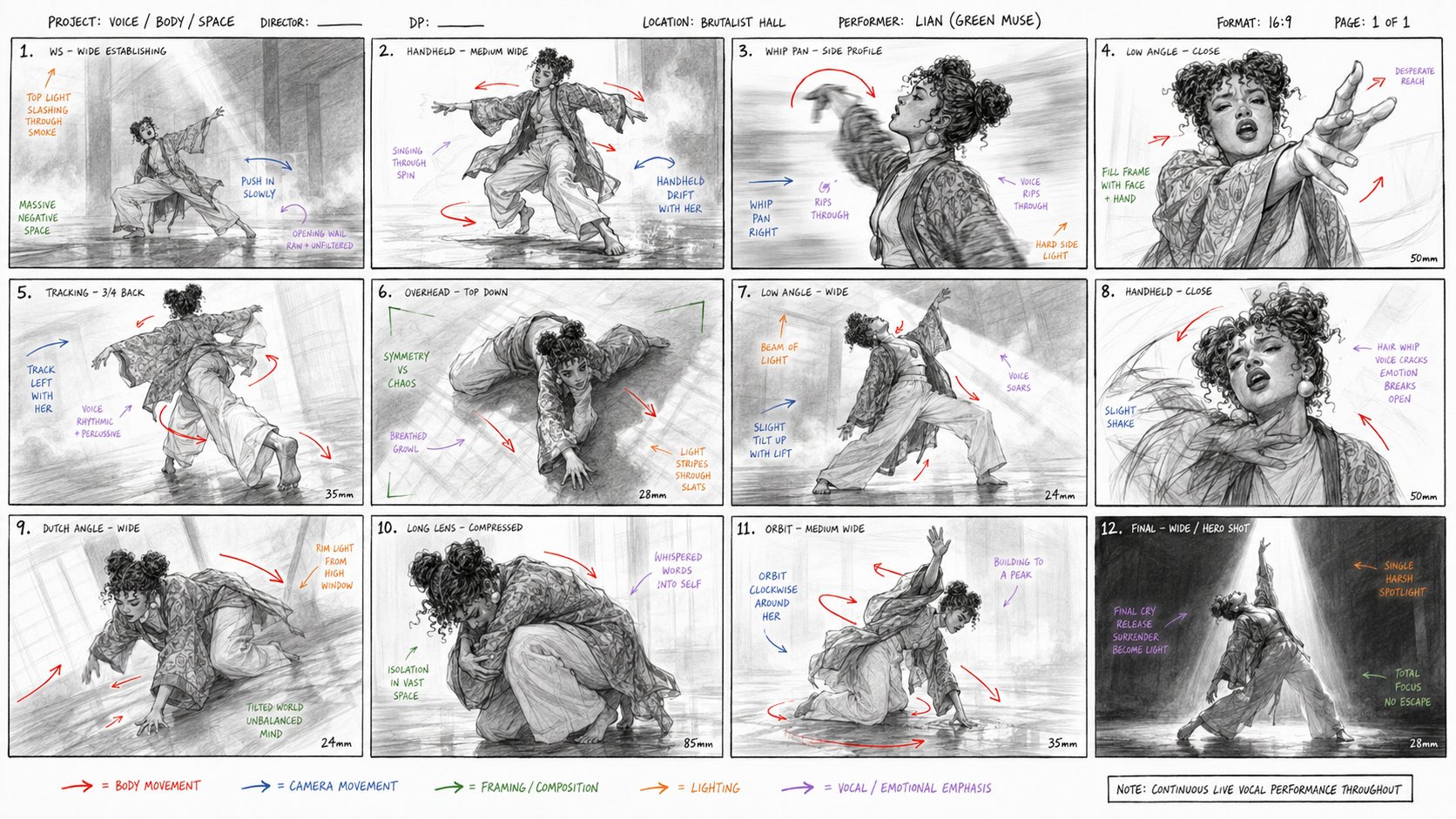
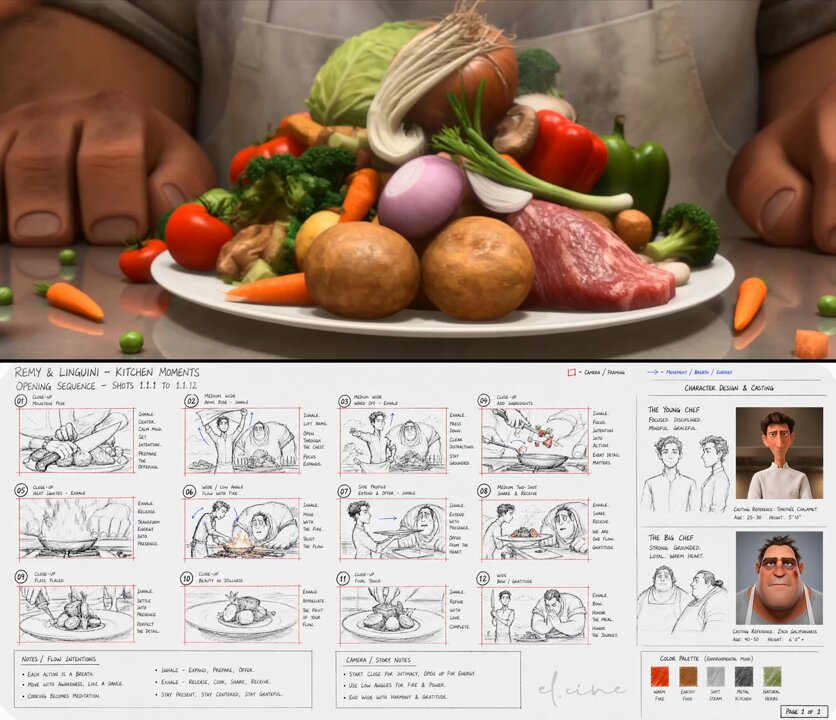
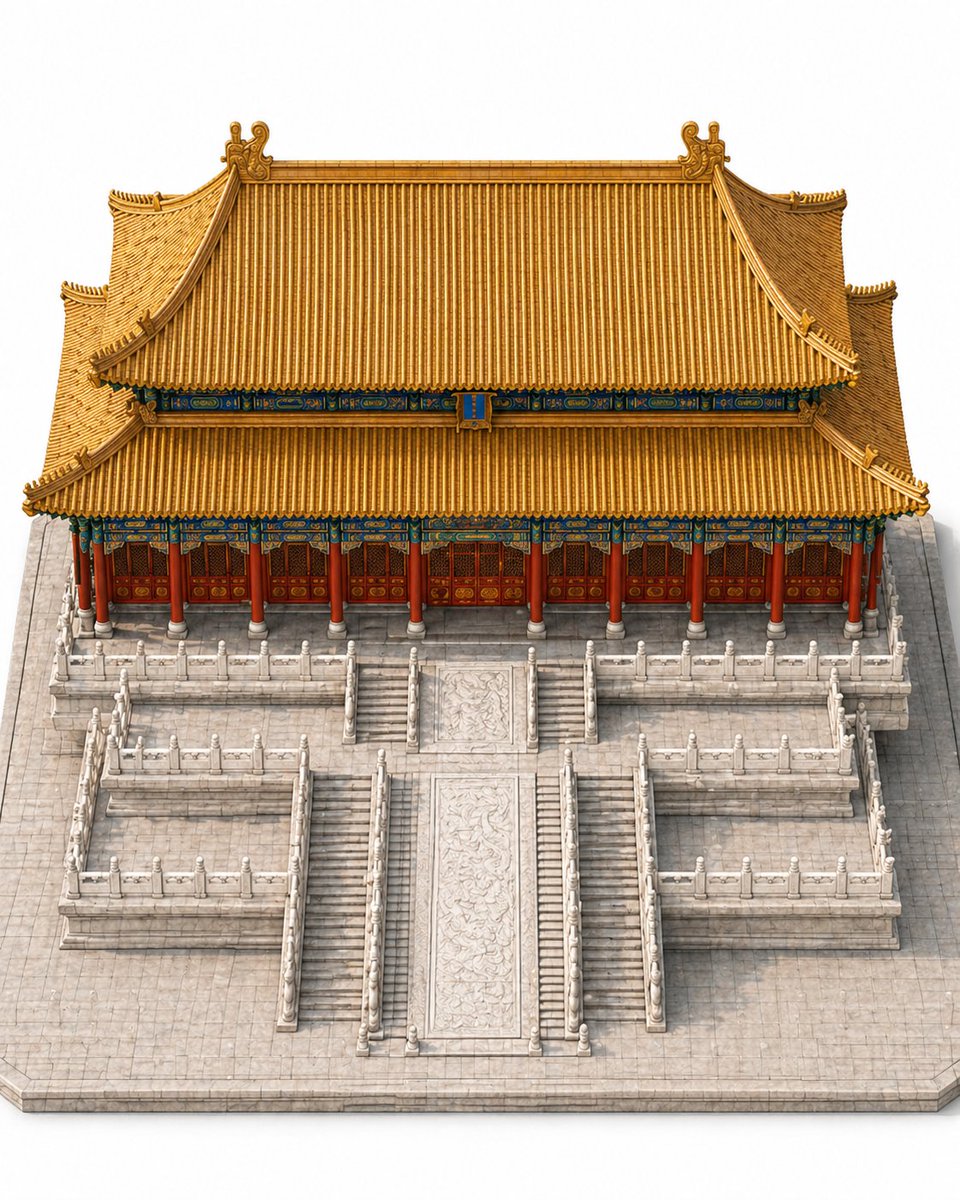
1. Inspiration source
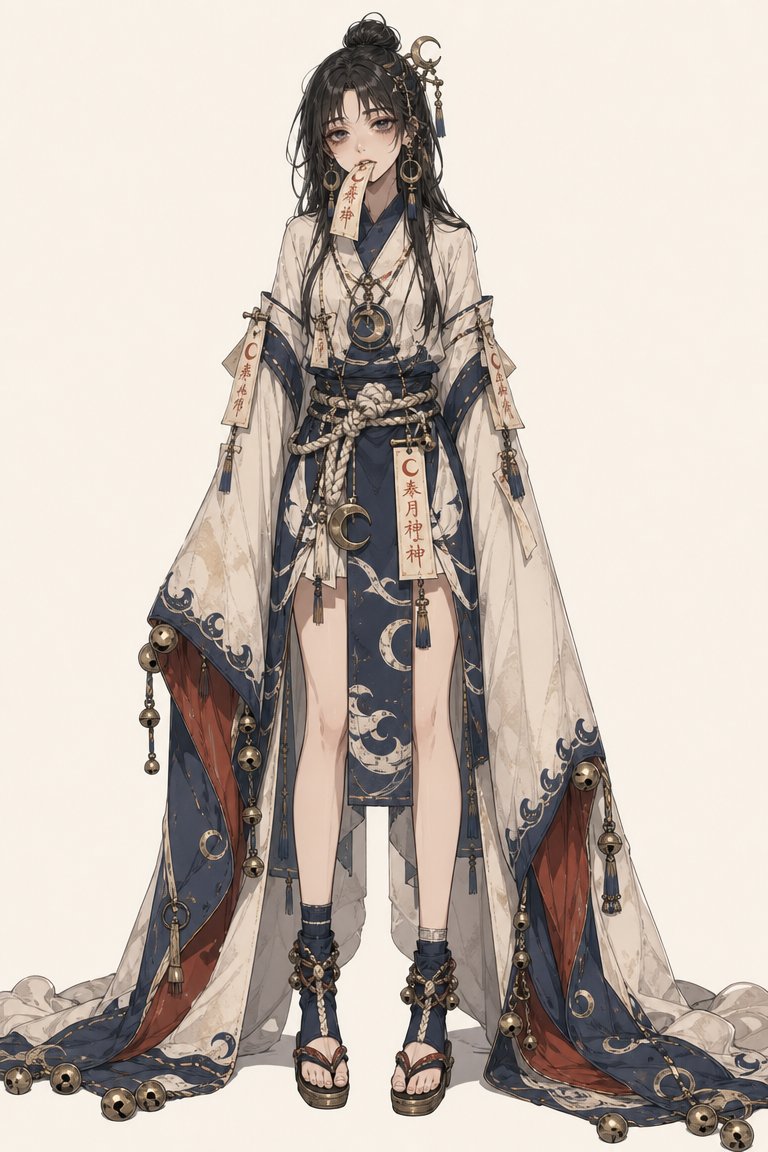
Community example
This tutorial teaches a similar generation technique using VidLuma. Credit public inspiration, replace brand-specific details, and avoid presenting someone else's work as your own original output.
2. Effect breakdown
Output target
Image · 1:1
Use case
Characters
Main tool
Text to Image
Model family
GPT Image 2
3. Prompt recipe
Treat this as a recipe, not a locked script: replace the subject, brand, scene, and ratio while keeping the motion/layout constraints.
Using the style of this reference image, generate a 4×4 equally divided expression/emotion grid featuring characters from popular anime series including One Piece, Demon Slayer, Jujutsu Kaisen, and others. Each cell shows a different character with a distinct facial expression. Clean grid layout, consistent cell sizing, vibrant anime art style.
4. Recommended settings
ToolText to Image
Aspect ratio1:1 (square)
First runGenerate one draft first; create variants only after composition is stable.
Reference ruleKeep the core layout, but replace brand/product-specific elements.
5. Step-by-step
1
GPT Image 2
4×4 equally divided expression grid featuring characters from popular anime series.
View step prompt
Using the style of this reference image, generate a 4×4 equally divided expression/emotion grid featuring characters from popular anime series including One Piece, Demon Slayer, Jujutsu Kaisen, and others. Each cell shows a different character with a distinct facial expression. Clean grid layout, consistent cell sizing, vibrant anime art style.
6. Common mistakes
Too broad
“Make it cinematic and cool” gives the model no crop, material, or motion constraints.
Better
Name the subject, ratio, lighting, layout, motion, and what must remain unchanged.