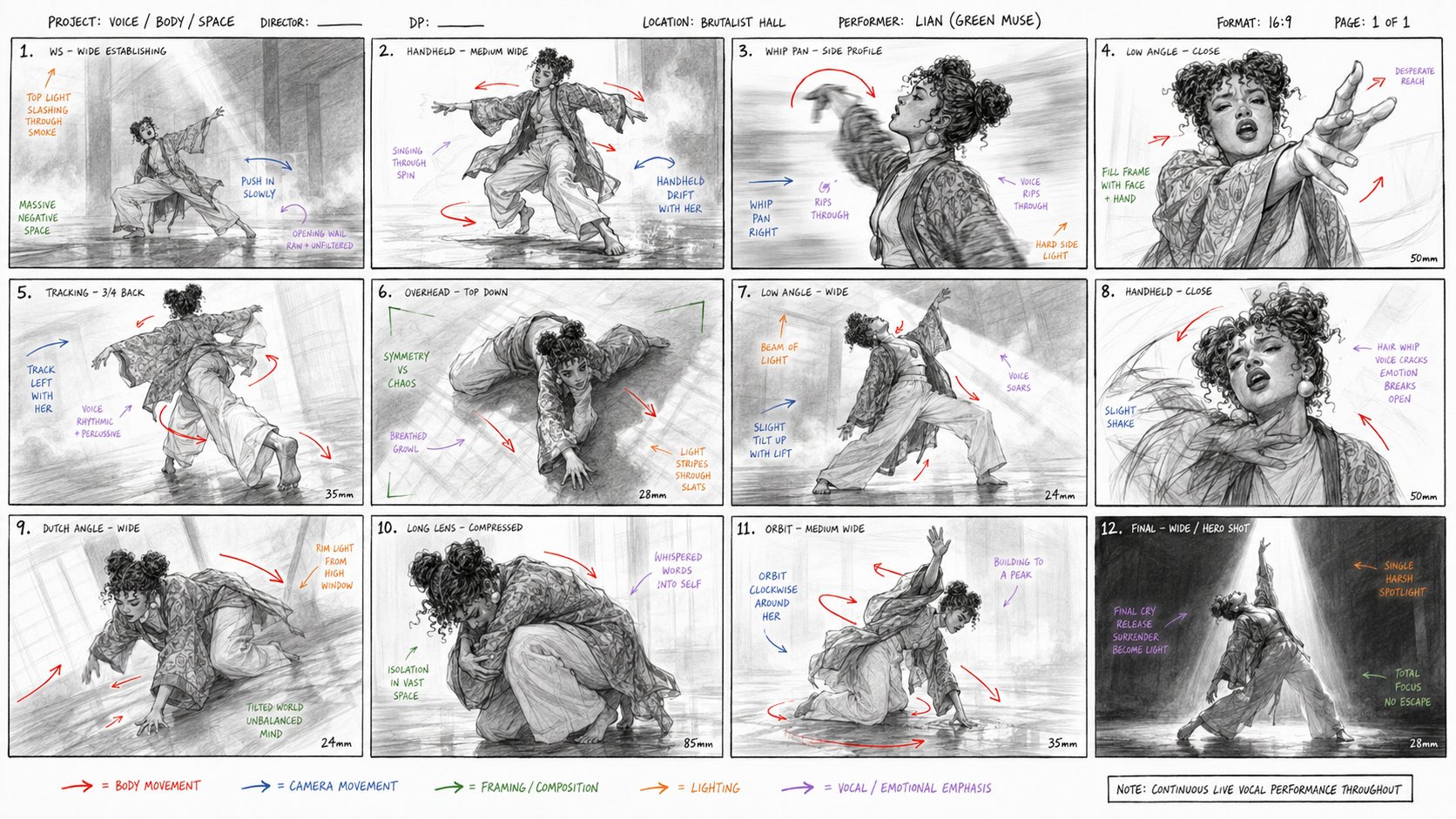
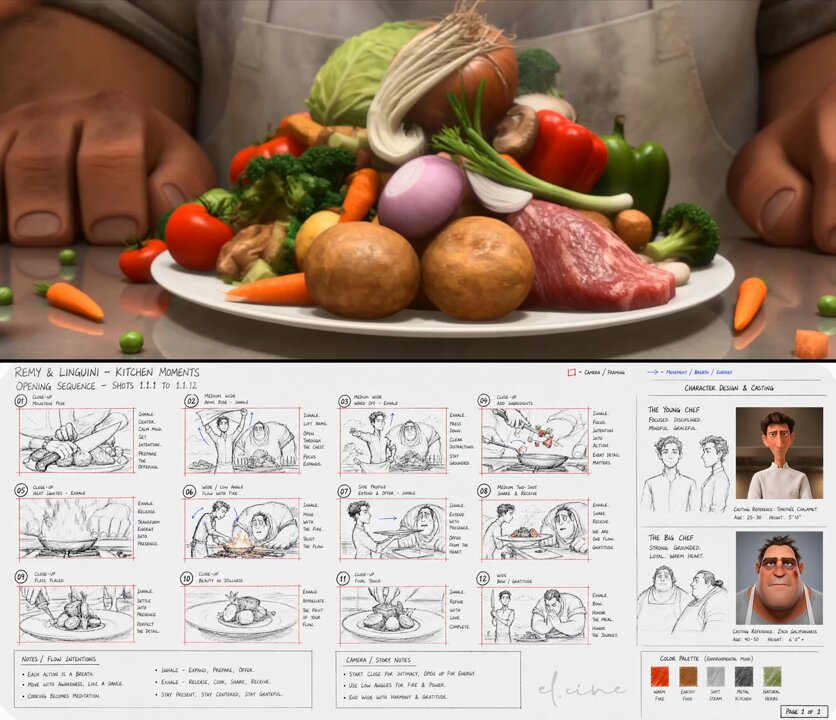
1. Inspiration source
via @Saccc_c
This tutorial teaches a similar generation technique using VidLuma. Credit public inspiration, replace brand-specific details, and avoid presenting someone else's work as your own original output.
2. Effect breakdown
Video · 16:9
Characters
Image to Video
GPT Image 2, Seedance 2.0
3. Prompt recipe
Treat this as a recipe, not a locked script: replace the subject, brand, scene, and ratio while keeping the motion/layout constraints.
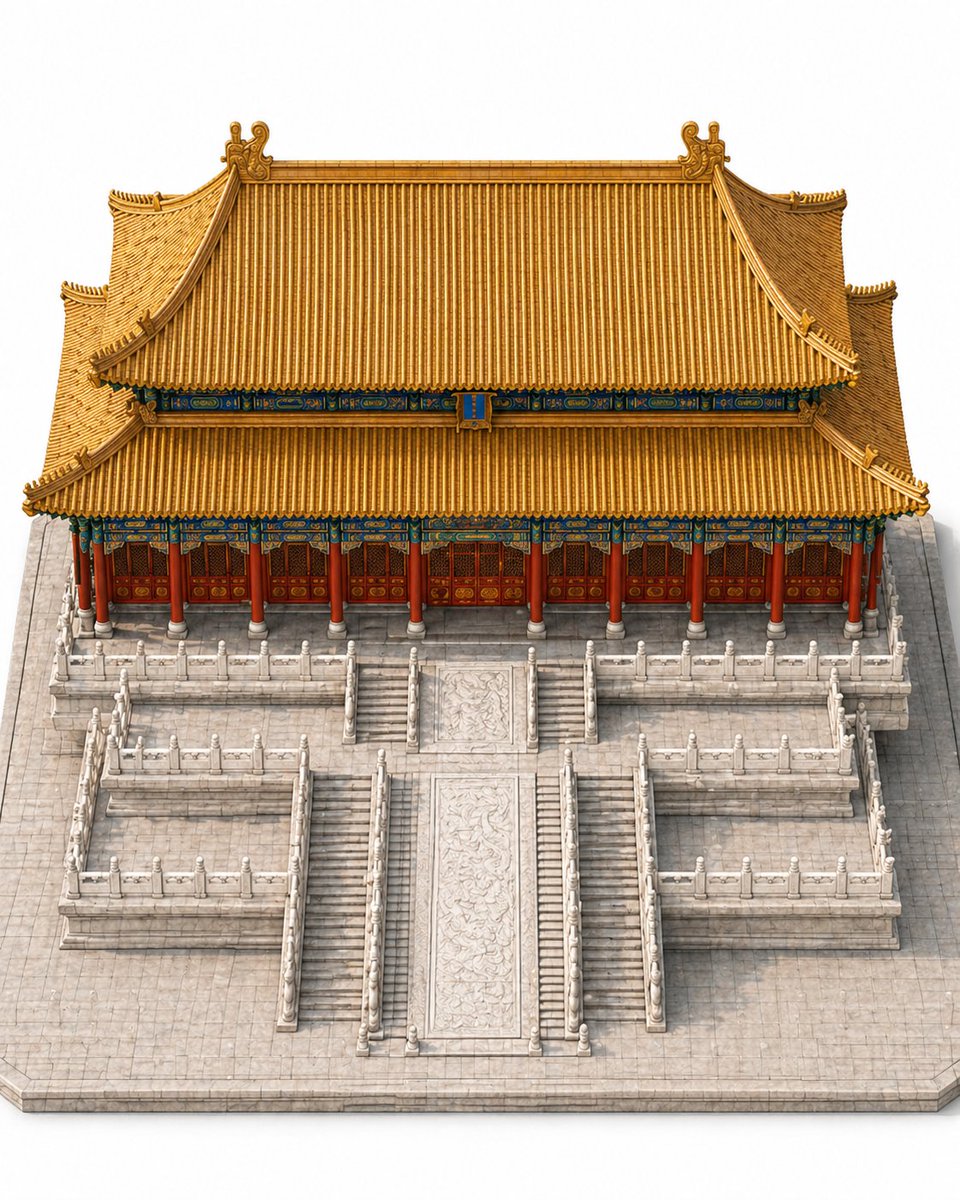
Generate a complete standalone model of [BUILDING NAME]. The image shows only the building itself and its immediate base environment — no unrelated buildings, open ground, city backgrounds, or complex surroundings. Emphasize the building's mass, front structure, roof/top form, entrance, facade, platform or base. Isometric slightly overhead viewpoint, centered symmetrical composition, clear and clean like a standalone architectural model display. Building occupies 70%+ of the visual area. No people, vehicles, modern machinery, text signs, billboards, or irrelevant elements.
4. Recommended settings
5. Step-by-step
Step 1-A · Standalone model
A complete standalone building model, isometric overhead, occupying 70%+ of the frame.
View step prompt
Generate a complete standalone model of [BUILDING NAME]. The image shows only the building itself and its immediate base environment — no unrelated buildings, open ground, city backgrounds, or complex surroundings. Emphasize the building's mass, front structure, roof/top form, entrance, facade, platform or base. Isometric slightly overhead viewpoint, centered symmetrical composition, clear and clean like a standalone architectural model display. Building occupies 70%+ of the visual area. No people, vehicles, modern machinery, text signs, billboards, or irrelevant elements.
Step 1-B · Exploded view
Vertically separate the building into construction layers, aligned along the central axis.
View step prompt
Based on the [BUILDING NAME] standalone reference image, generate an architectural exploded view / structural breakdown diagram. Maintain the same isometric slightly overhead viewpoint and composition. Separate the building vertically by construction layers: foundation, platform, columns/walls, beams, facade, roof, final decoration. Each layer offset vertically but aligned along the central axis. High-quality architectural diagram style. No people, modern machinery, scaffolding, text labels, or unrelated buildings.
Step 1-D · 8-panel build sequence
8 continuous construction stages from empty foundation to complete building, unified camera.
View step prompt
Based on the [BUILDING NAME] complete model, generate an 8-panel construction sequence diagram from empty foundation to complete building. Use unified isometric slightly overhead viewpoint, unified composition and lighting, building always centered. Panel 7 near-complete but not fully finished; Panel 8 is the final complete structure. No text labels, numbers, arrows, people, modern machinery, scaffolding, or modern irrelevant elements.
Step 2 · Seedance 2.0
Feed the 4 images as references; Seedance generates a 15-second construction animation.
6. Common mistakes
“Make it cinematic and cool” gives the model no crop, material, or motion constraints.
Name the subject, ratio, lighting, layout, motion, and what must remain unchanged.