Loading
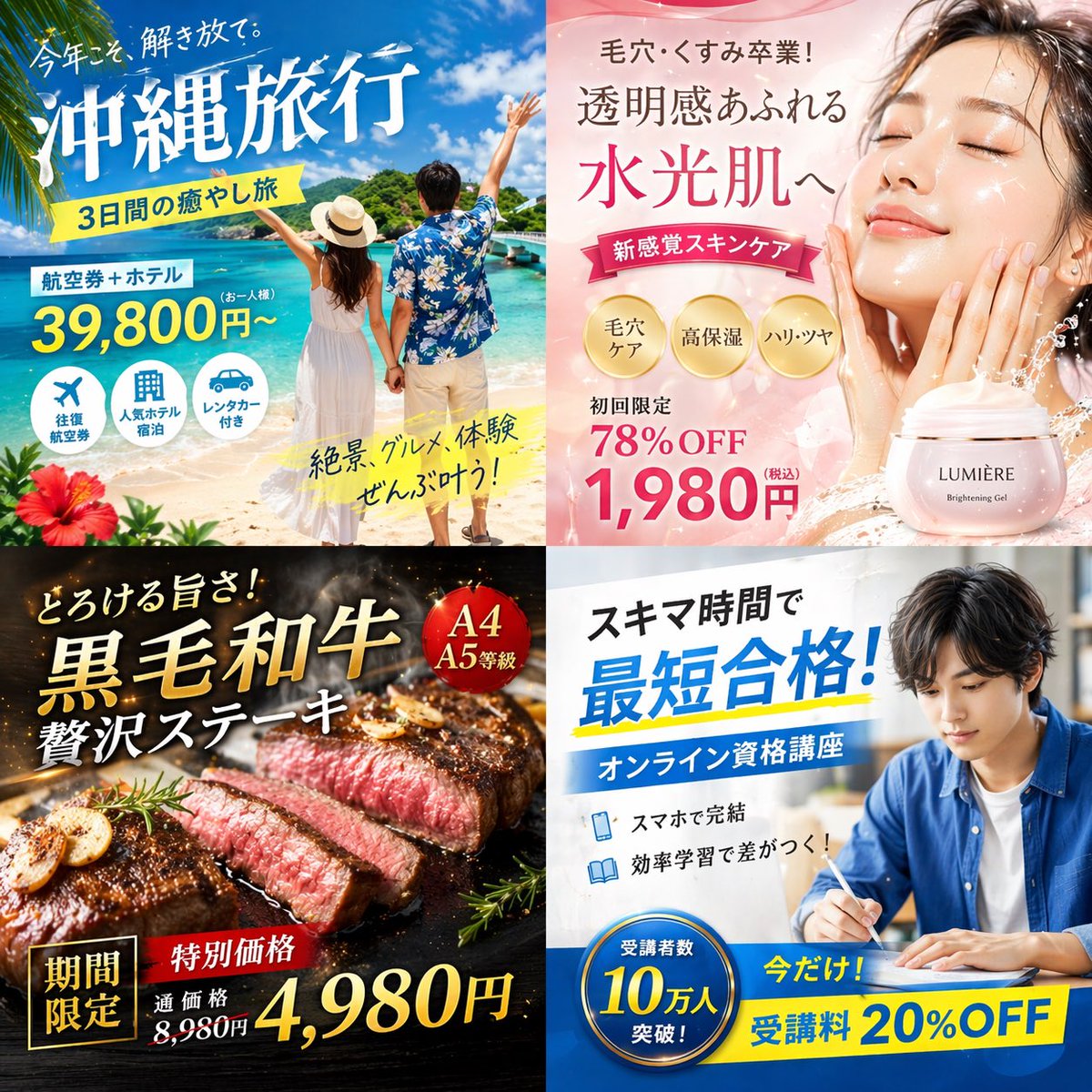 via @makaneko_AI
AdvertisingGPT Image 2
via @makaneko_AI · view original sourceRemix in Prompt Studio →Generate your own image →4-Panel Japanese Digital Ad Banner Grid
A advertising prompt for GPT Image 2. Copy it as-is, or remix it in the Prompt Studio and generate your own.
Prompt
type: 2x2 grid of Japanese digital advertisement banners
structure: 4 equal quadrants
position: top-left
theme: Travel
subject: A couple holding hands on a white sand beach, looking out at turquoise ocean water under a bright blue sky.
elements: red hibiscus flower in bottom left corner
text labels: 今年こそ、解き放て。, {argument name="travel destination" default="沖縄旅行"}, 3日間の癒やし旅, 航空券+ホテル, 39,800円〜, 絶景、グルメ、体験 ぜんぶ叶う!
count: 3
descriptions: airplane, hotel building, car
position: top-right
theme: Skincare
subject: Close-up portrait of a young woman with glowing, dewy skin, eyes closed, gently touching her cheeks.
elements: soft pink gradient background, dynamic water splash effects, pink cosmetic jar labeled '{argument name="skincare product name" default="LUMIÈRE"} Brightening Gel'
text labels: 毛穴・くすみ卒業!, 透明感あふれる, 水光肌へ, 新感覚スキンケア, 初回限定 78%OFF, {argument name="discount price" default="1,980円"}
count: 3
style: gold circular
labels: 毛穴ケア, 高保湿, ハリ・ツヤ
position: bottom-left
theme: Gourmet Food
subject: Thick, sliced, medium-rare steak sizzling on a dark grill plate.
elements: garlic chips, rosemary sprig, dark background with smoke and glowing embers
text labels: とろける旨さ!, {argument name="food item" default="黒毛和牛"}, 贅沢ステーキ, 期間限定, 特別価格, 通常価格 8,980円, 4,980円
count: 1
style: red circular
labels: A4 A5等級
position: bottom-right
theme: Online Education
subject: Young man in a blue shirt studying at a desk, writing in a notebook next to an open laptop.
elements: bright indoor lighting, desk environment
text labels: スキマ時間で, {argument name="education goal" default="最短合格!"}, オンライン資格講座, スマホで完結, 効率学習で差がつく!, 今だけ! 受講料 20%OFF
count: 1
style: blue circular
labels: 受講者数 10万人 突破!
count: 2
descriptions: smartphone, open book
View original JSON
{
  "type": "2x2 grid of Japanese digital advertisement banners",
  "layout": {
    "structure": "4 equal quadrants",
    "quadrants": [
      {
        "position": "top-left",
        "theme": "Travel",
        "subject": "A couple holding hands on a white sand beach, looking out at turquoise ocean water under a bright blue sky.",
        "elements": [
          "red hibiscus flower in bottom left corner"
        ],
        "text_labels": [
          "今年こそ、解き放て。",
          "{argument name=\"travel destination\" default=\"沖縄旅行\"}",
          "3日間の癒やし旅",
          "航空券+ホテル",
          "39,800円〜",
          "絶景、グルメ、体験 ぜんぶ叶う!"
        ],
        "icons": {
          "count": 3,
          "descriptions": [
            "airplane",
            "hotel building",
            "car"
          ]
        }
      },
      {
        "position": "top-right",
        "theme": "Skincare",
        "subject": "Close-up portrait of a young woman with glowing, dewy skin, eyes closed, gently touching her cheeks.",
        "elements": [
          "soft pink gradient background",
          "dynamic water splash effects",
          "pink cosmetic jar labeled '{argument name=\"skincare product name\" default=\"LUMIÈRE\"} Brightening Gel'"
        ],
        "text_labels": [
          "毛穴・くすみ卒業!",
          "透明感あふれる",
          "水光肌へ",
          "新感覚スキンケア",
          "初回限定 78%OFF",
          "{argument name=\"discount price\" default=\"1,980円\"}"
        ],
        "badges": {
          "count": 3,
          "style": "gold circular",
          "labels": [
            "毛穴ケア",
            "高保湿",
            "ハリ・ツヤ"
          ]
        }
      },
      {
        "position": "bottom-left",
        "theme": "Gourmet Food",
        "subject": "Thick, sliced, medium-rare steak sizzling on a dark grill plate.",
        "elements": [
          "garlic chips",
          "rosemary sprig",
          "dark background with smoke and glowing embers"
        ],
        "text_labels": [
          "とろける旨さ!",
          "{argument name=\"food item\" default=\"黒毛和牛\"}",
          "贅沢ステーキ",
          "期間限定",
          "特別価格",
          "通常価格 8,980円",
          "4,980円"
        ],
        "badges": {
          "count": 1,
          "style": "red circular",
          "labels": [
            "A4 A5等級"
          ]
        }
      },
      {
        "position": "bottom-right",
        "theme": "Online Education",
        "subject": "Young man in a blue shirt studying at a desk, writing in a notebook next to an open laptop.",
        "elements": [
          "bright indoor lighting",
          "desk environment"
        ],
        "text_labels": [
          "スキマ時間で",
          "{argument name=\"education goal\" default=\"最短合格!\"}",
          "オンライン資格講座",
          "スマホで完結",
          "効率学習で差がつく!",
          "今だけ! 受講料 20%OFF"
        ],
        "badges": {
          "count": 1,
          "style": "blue circular",
          "labels": [
            "受講者数 10万人 突破!"
          ]
        },
        "icons": {
          "count": 2,
          "descriptions": [
            "smartphone",
            "open book"
          ]
        }
      }
    ]
  }
}
Make it yours
Don't copy blindly. Open the Prompt Studio to swap the subject, style and lighting, then jump straight to image or video generation.
Open Prompt Studio →More Advertising prompts
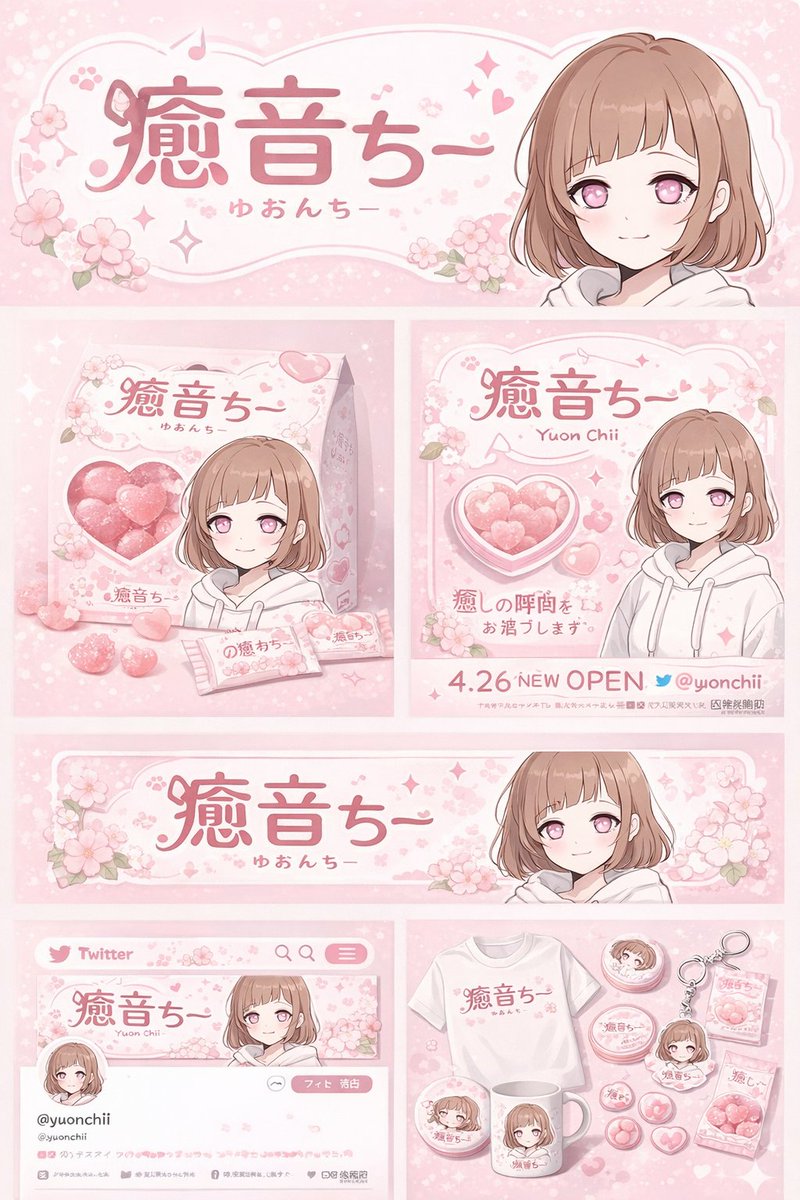 via @chi_vc_
Anime Character Brand Identity & Merch Board
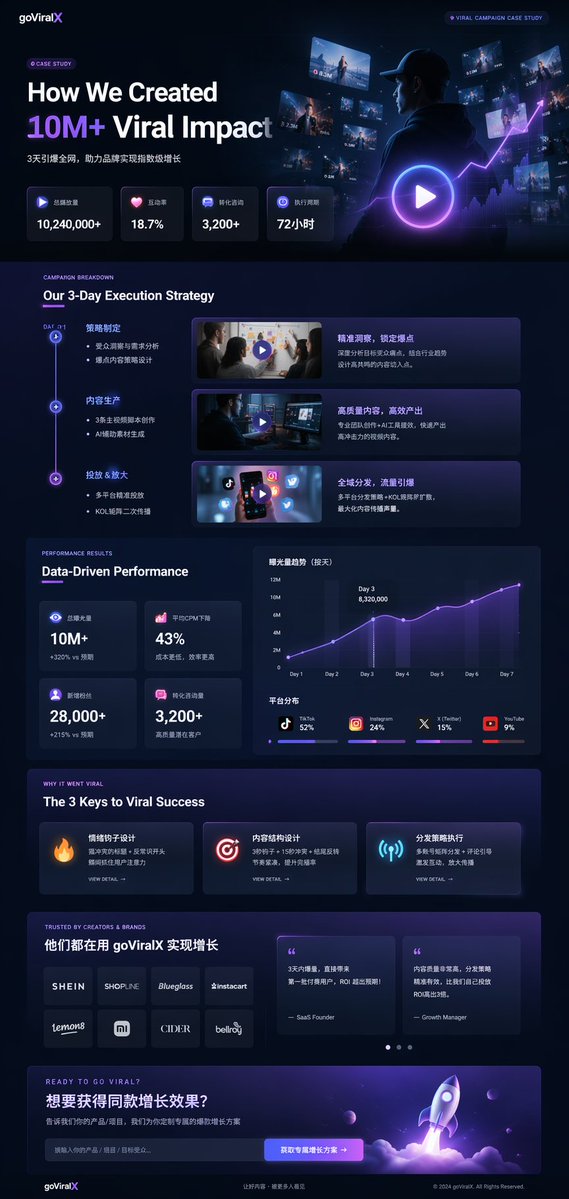 via @IndieDevHailey
Dark Mode Marketing Case Study UI
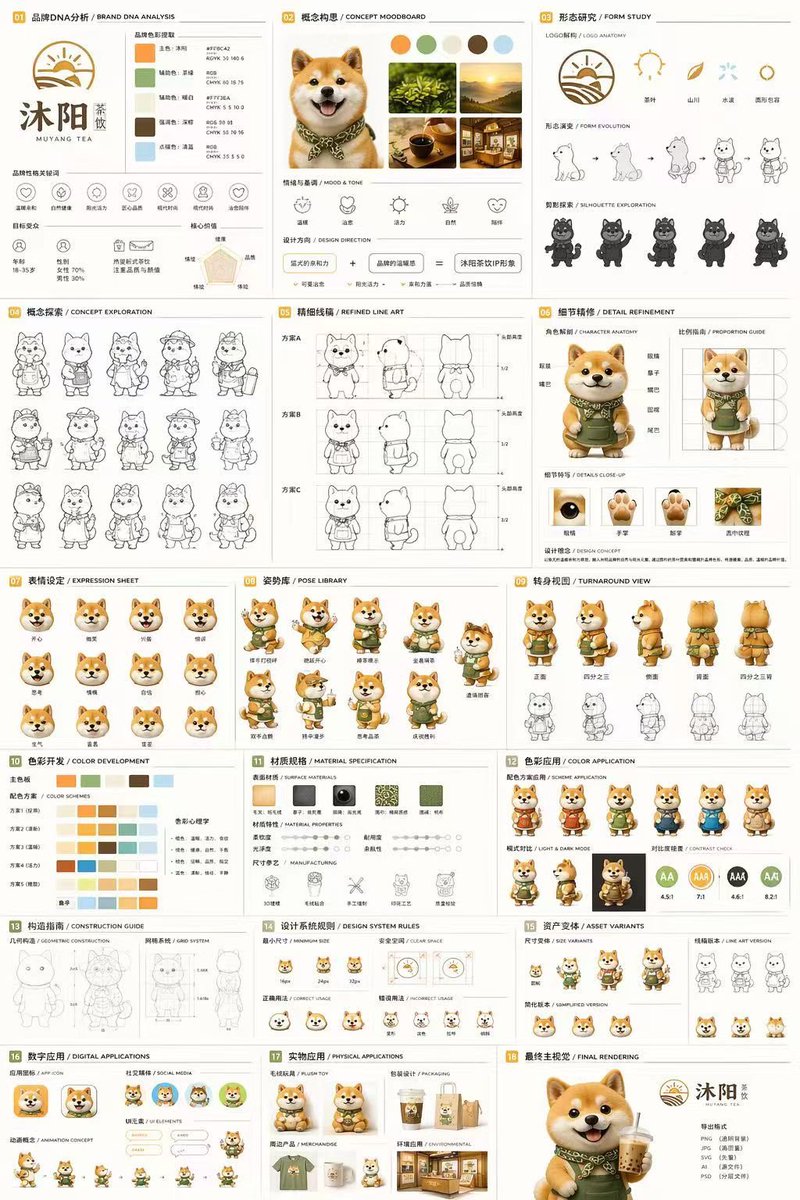 via @Colin_Leeee
18-Panel Mascot Brand Identity Document
 via @xc5_
Japanese Chinese Food Delivery Flyer
 via @Ayu_AI_0912
Pastel Jellyfish Room Goods Poster
 via @AllaAisling