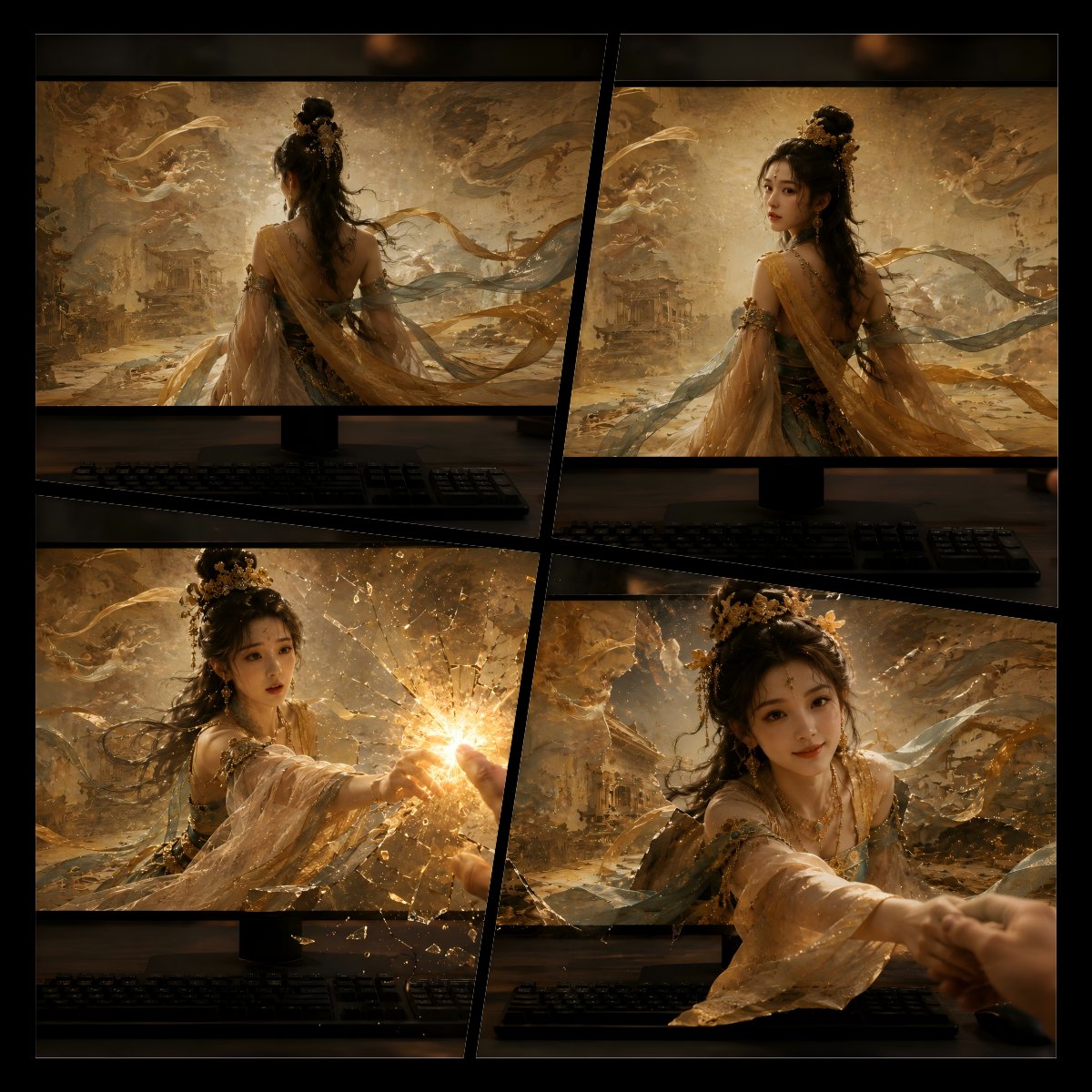
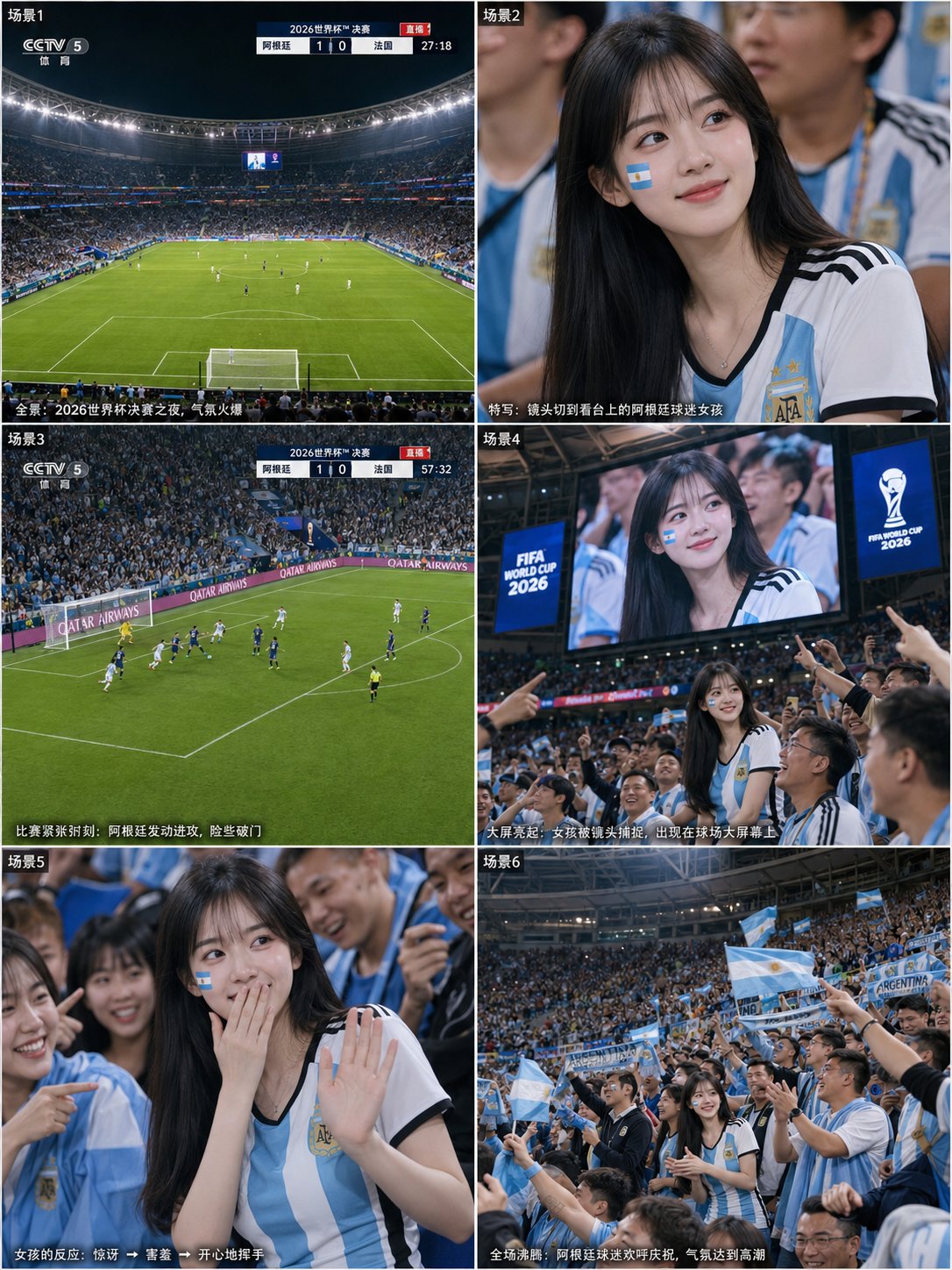
1. Inspiration source
Community example
This tutorial teaches a similar generation technique using VidLuma. Credit public inspiration, replace brand-specific details, and avoid presenting someone else's work as your own original output.
2. Effect breakdown
Video · 16:9
Product ads
Image to Video
GPT Image 2, Seedance 2.0
3. Prompt recipe
Treat this as a recipe, not a locked script: replace the subject, brand, scene, and ratio while keeping the motion/layout constraints.
Show me a ground level shot following behind a white cat as it enters this exact scene.
4. Recommended settings
5. Step-by-step
Step 1 · Scene + ground-level view
Generate a lived-in living room with five women; then a ground-level shot following behind a white cat entering the scene.
View step prompt
Show me a ground level shot following behind a white cat as it enters this exact scene.
Step 2 · Draw the red path
Use any drawing tool to draw one red line marking the cat's walking path.
Step 3 · Seedance 2.0
One continuous take, the cat strictly follows the red path; no on-screen lines or arrows.
View step prompt
1080p, 10s, 16:9. Third-person POV, one-take following the white cat as it follows the red path. Strictly follow the red path depicted in the provided image. The cat jumps up on to the people according to the red path. No on-screen path lines, no arrows, no jump cuts — ONE CONTINUOUS TAKE.
6. Common mistakes
“Make it cinematic and cool” gives the model no crop, material, or motion constraints.
Name the subject, ratio, lighting, layout, motion, and what must remain unchanged.